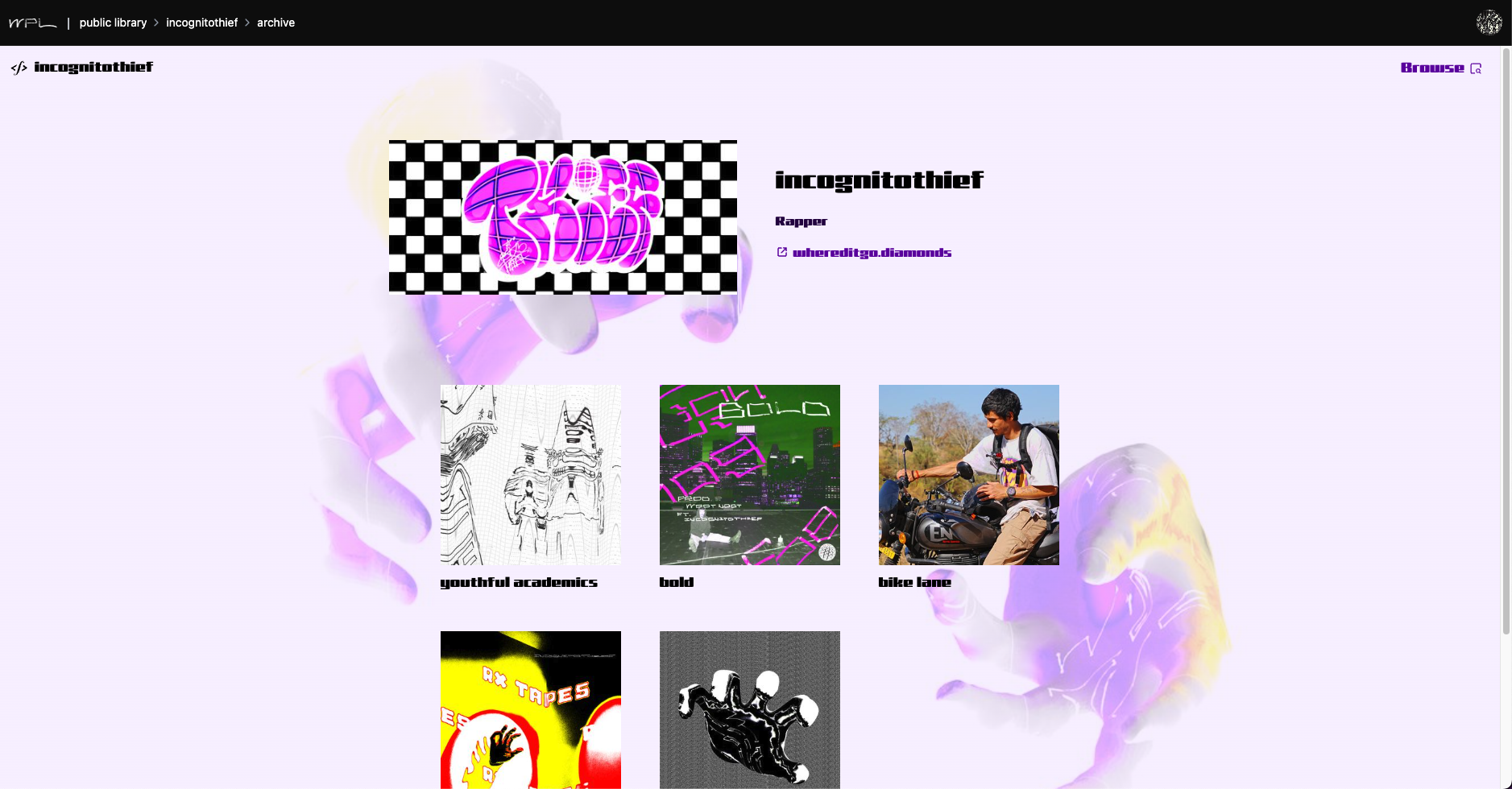
Create a Public Library account
Begin your journey by creating an account on the Public Library.
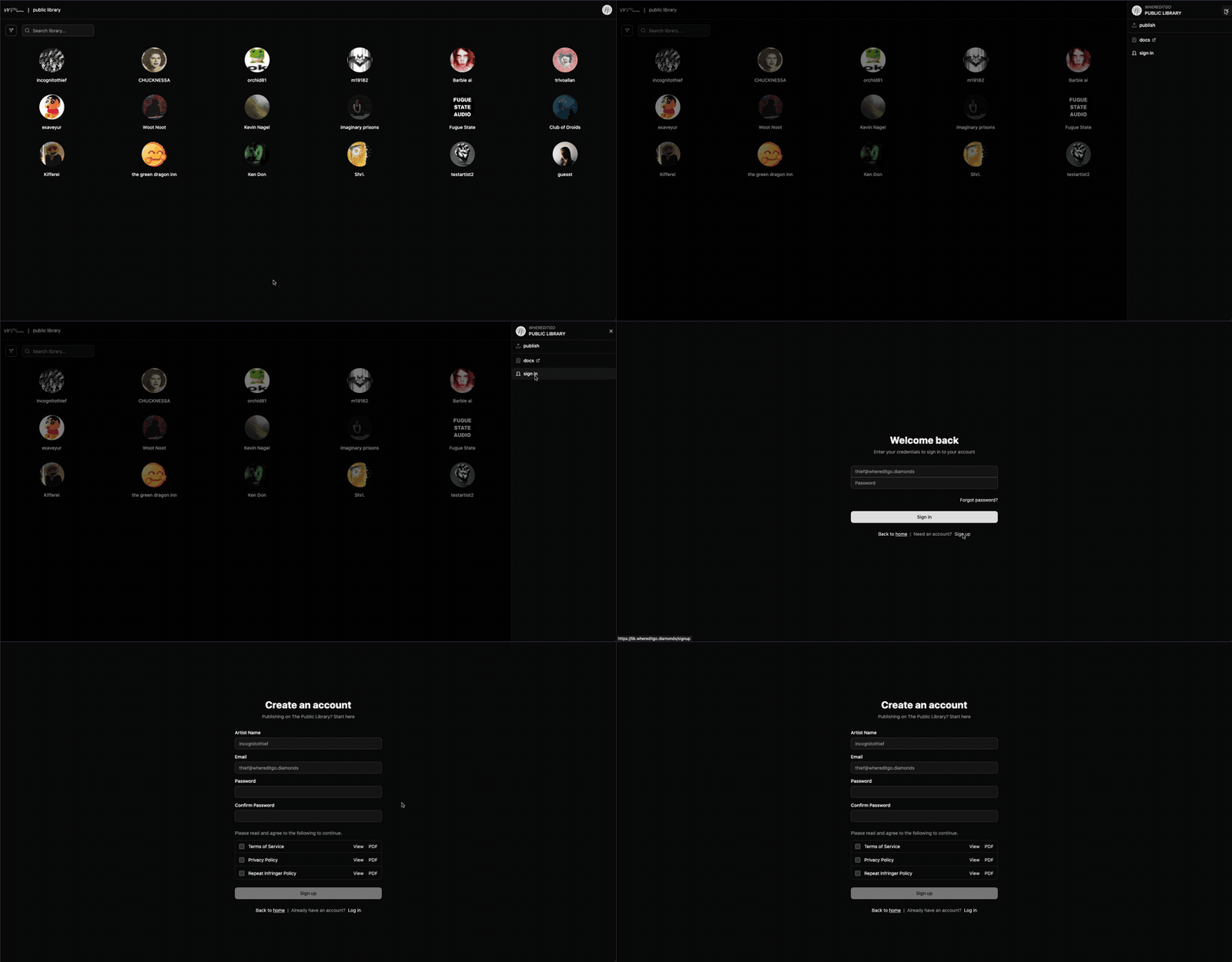
1. Create account
Create an account on the Public Library.
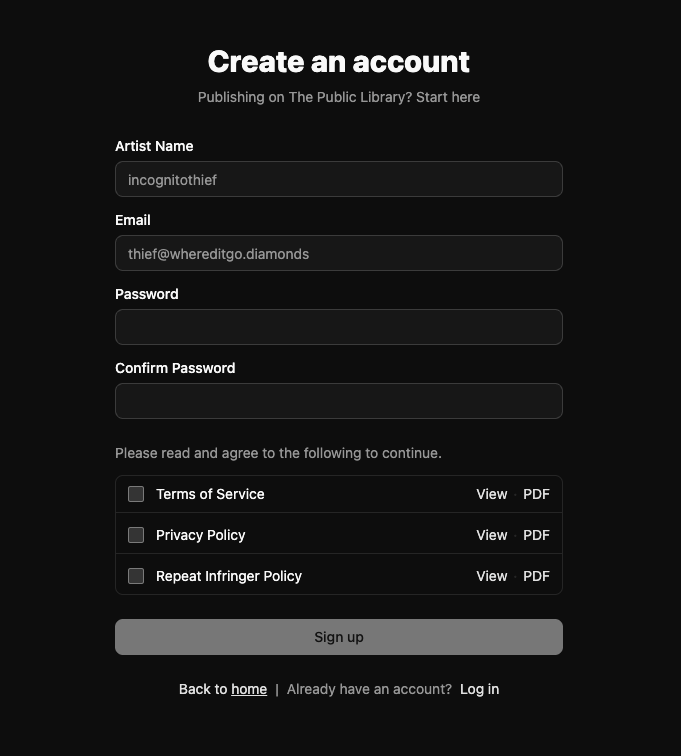
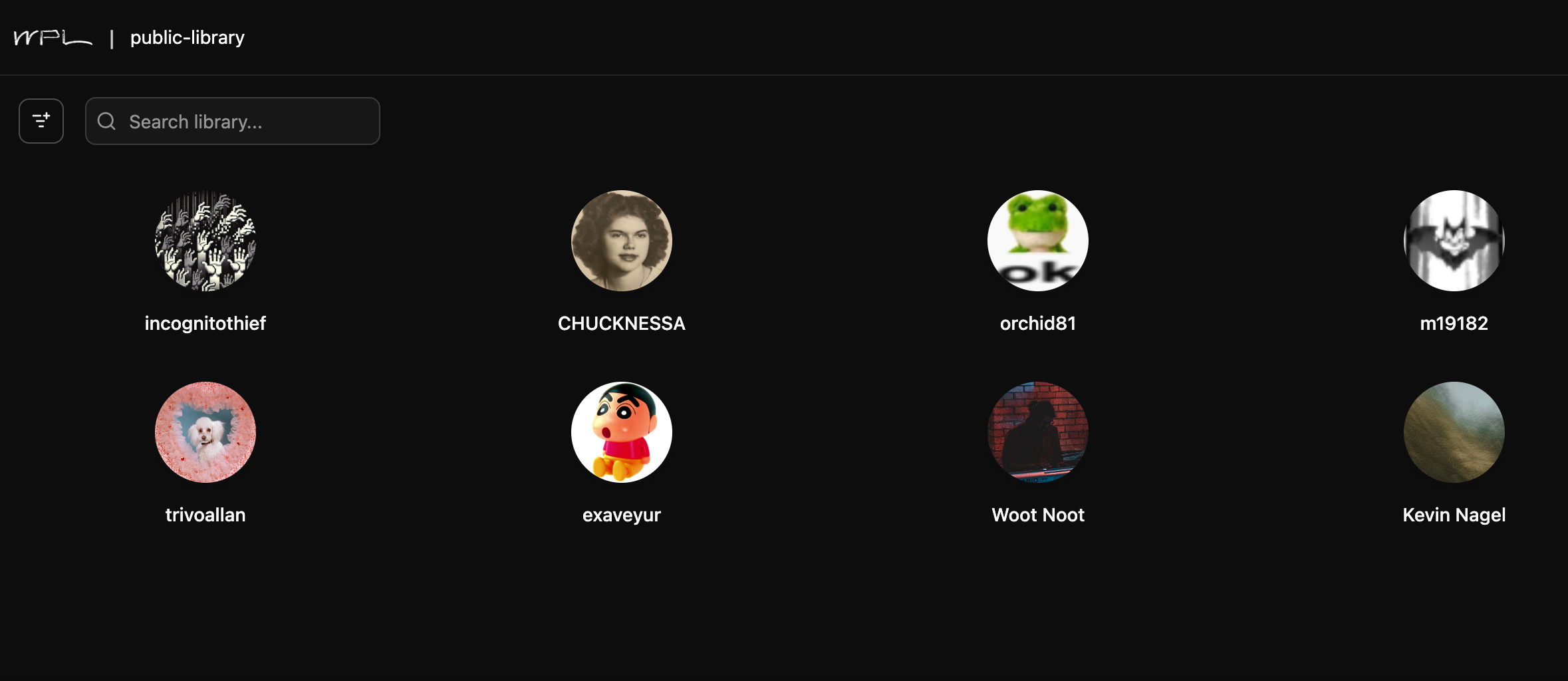
Note: Your artist name will be visible on the Public Library catalog.
Before logging in
For verification, you will be sent an email. Once you verify your email, you will be able to log in.
If you do not see the email, check your spam folder for an email from nexus@whereditgo.diamonds.
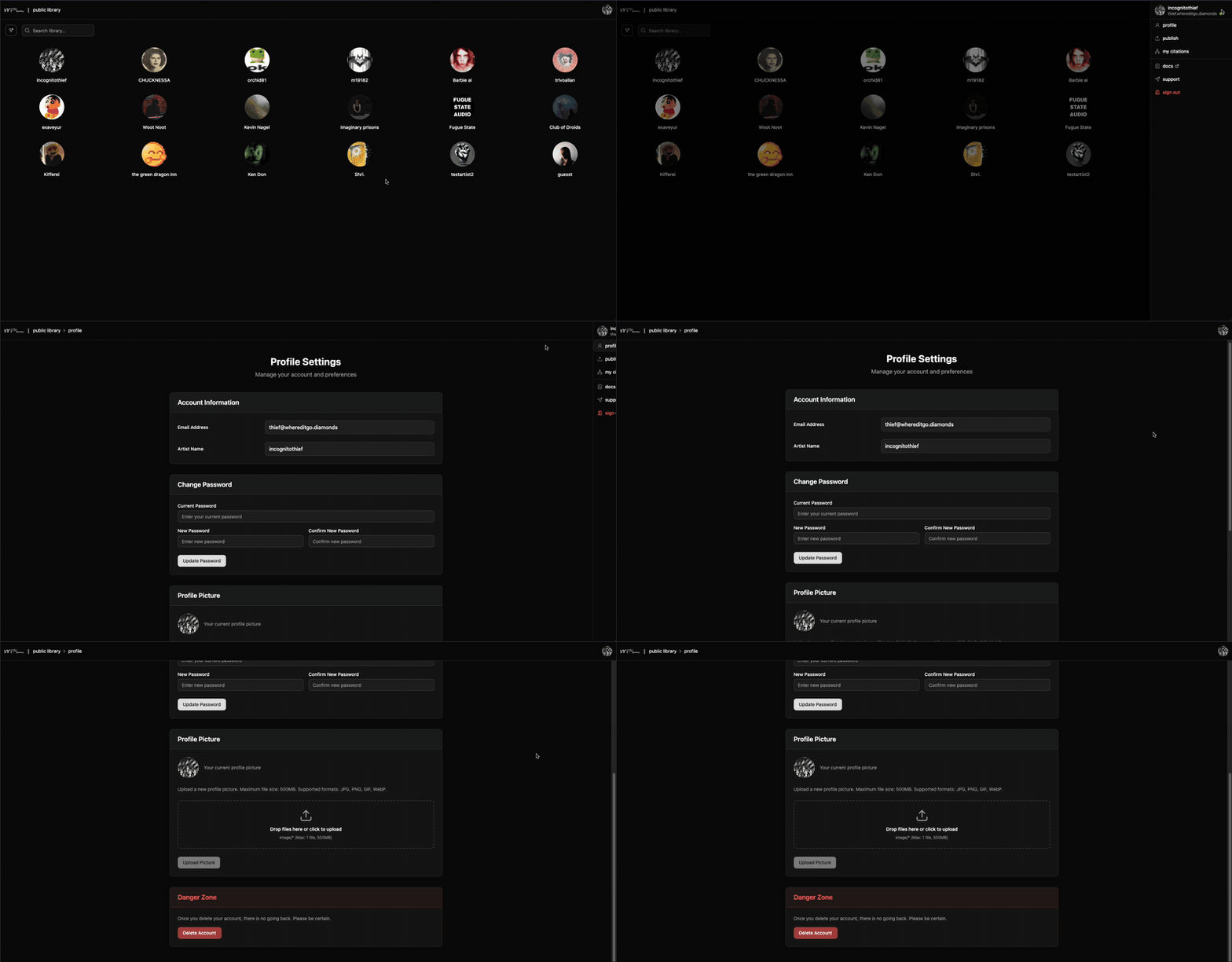
2. Customize your profile
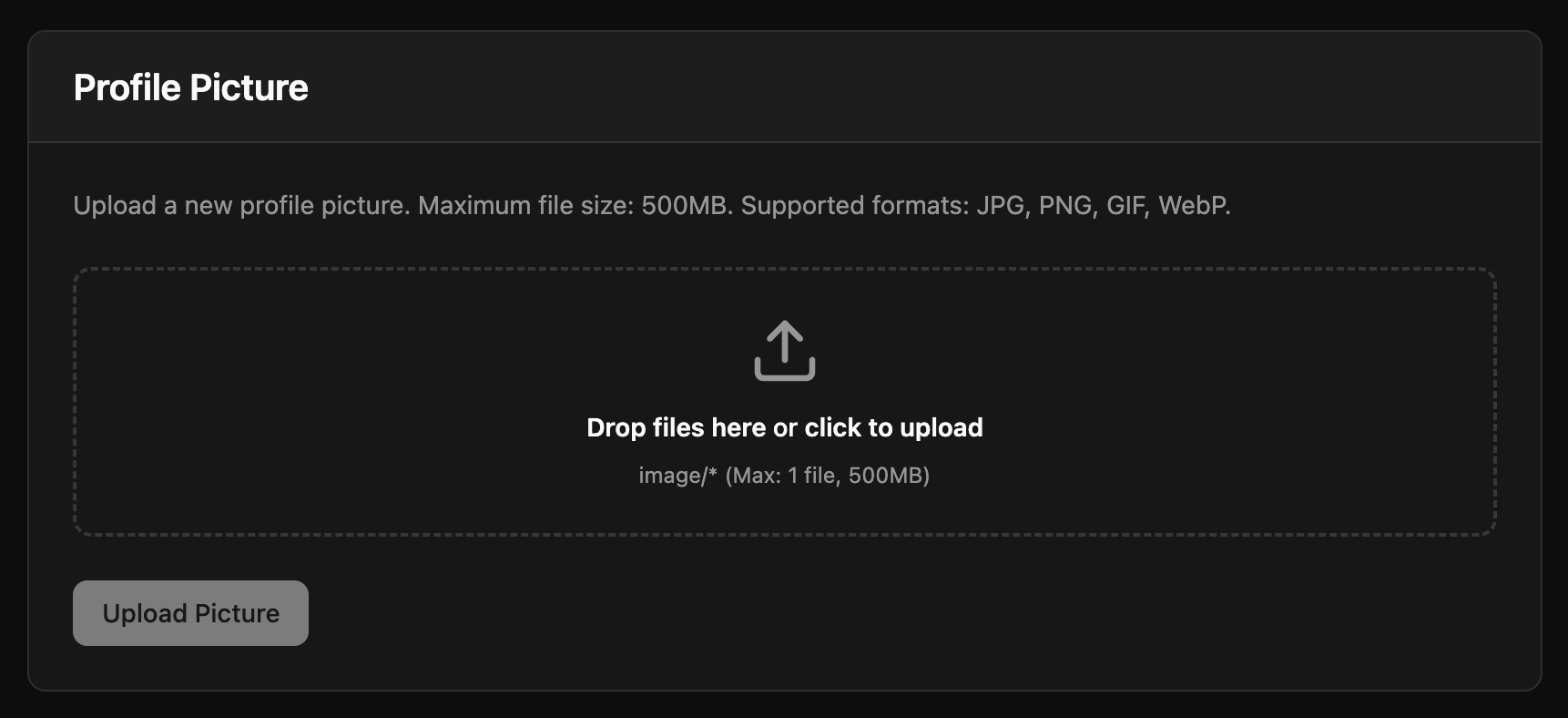
On your profile page, you can customize how you appear in the catalog, for example, your profile picture. You can change your profile picture at any time.
What's next
Next, you'll create a faircamp archive, host it online, then submit your archive link on your publish page so it appears in the catalog.